


Some error occured while loading the Quick View. Please close the Quick View and try reloading the page.
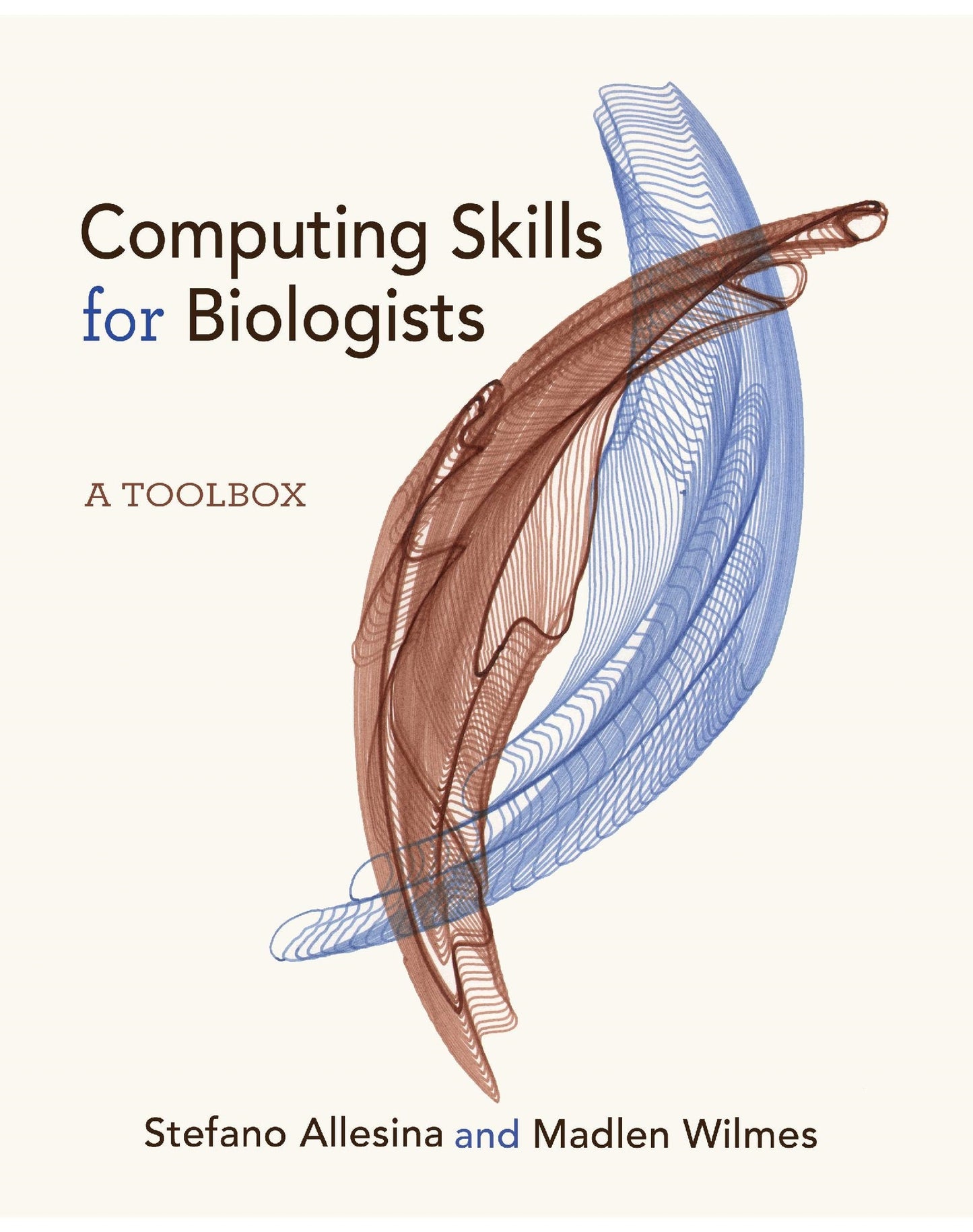
A concise introduction to key computing skills for biologists
While biological data continues to grow exponentially in size and quality, many of today’s biologists are not trained adequately in the computing skills necessary for leveraging this information deluge. In Computing Skills for Biologists, Stefano Allesina and Madlen Wilmes present a valuable toolbox for the effective analysis of biological data.
Based on the authors’ experiences teaching scientific computing at the University of Chicago, this textbook emphasizes the automation of repetitive tasks and the construction of pipelines for data organization, analysis, visualization, and publication. Stressing practice rather than theory, the book’s examples and exercises are drawn from actual biological data and solve cogent problems spanning the entire breadth of biological disciplines, including ecology, genetics, microbiology, and molecular biology. Beginners will benefit from the many examples explained step-by-step, while more seasoned researchers will learn how to combine tools to make biological data analysis robust and reproducible. The book uses free software and code that can be run on any platform.
Computing Skills for Biologists is ideal for scientists wanting to improve their technical skills and instructors looking to teach the main computing tools essential for biology research in the twenty-first century.
- Excellent resource for acquiring comprehensive computing skills
- Both novice and experienced scientists will increase efficiency by building automated and reproducible pipelines for biological data analysis
- Code examples based on published data spanning the breadth of biological disciplines
- Detailed solutions provided for exercises in each chapter
- Extensive companion website

- List of Figures
- Acknowledgments
- 0 Introduction: Building a Computing Toolbox
- 0.1 The Philosophy
- 0.2 The Structure of the Book
- 0.2.1 How to Read the Book
- 0.2.2 Exercises and Further Reading
- 0.3 Use in the Classroom
- 0.4 Formatting of the Book
- 0.5 Setup
- 1 Unix
- 1.1 What Is Unix?
- 1.2 Why Use Unix and the Shell?
- 1.3 Getting Started with Unix
- 1.3.1 Installation
- 1.3.2 Directory Structure
- 1.4 Getting Started with the Shell
- 1.4.1 Invoking and Controlling Basic Unix Commands
- 1.4.2 How to Get Help in Unix
- 1.4.3 Navigating the Directory System
- 1.5 Basic Unix Commands
- 1.5.1 Handling Directories and Files
- 1.5.2 Viewing and Processing Text Files
- 1.6 Advanced Unix Commands
- 1.6.1 Redirection and Pipes
- 1.6.2 Selecting Columns Using cut
- 1.6.3 Substituting Characters Using tr
- 1.6.4 Wildcards
- 1.6.5 Selecting Lines Using grep
- 1.6.6 Finding Files with find
- 1.6.7 Permissions
- 1.7 Basic Scripting
- 1.8 Simple for Loops
- 1.9 Tips, Tricks, and Going beyond the Basics
- 1.9.1 Setting a PATH in .bash_profile
- 1.9.2 Line Terminators
- 1.9.3 Miscellaneous Commands
- 1.10 Exercises
- 1.10.1 Next Generation Sequencing Data
- 1.10.2 Hormone Levels in Baboons
- 1.10.3 Plant–Pollinator Networks
- 1.10.4 Data Explorer
- 1.11 References and Reading
- 2 Version Control
- 2.1 What Is Version Control?
- 2.2 Why Use Version Control?
- 2.3 Getting Started with Git
- 2.3.1 Installing Git
- 2.3.2 Configuring Git after Installation
- 2.3.3 How to Get Help in Git
- 2.4 Everyday Git
- 2.4.1 Workflow
- 2.4.2 Showing Changes
- 2.4.3 Ignoring Files and Directories
- 2.4.4 Moving and Removing Files
- 2.4.5 Troubleshooting Git
- 2.5 Remote Repositories
- 2.6 Branching and Merging
- 2.7 Contributing to Public Repositories
- 2.8 References and Reading
- 3 Basic Programming
- 3.1 Why Programming?
- 3.2 Choosing a Programming Language
- 3.3 Getting Started with Python
- 3.3.1 Installing Python and Jupyter
- 3.3.2 How to Get Help in Python
- 3.3.3 Simple Calculations with Basic Data Types
- 3.3.4 Variable Assignment
- 3.3.5 Built-In Functions
- 3.3.6 Strings
- 3.4 Data Structures
- 3.4.1 Lists
- 3.4.2 Dictionaries
- 3.4.3 Tuples
- 3.4.4 Sets
- 3.5 Common, General Functions
- 3.6 The Flow of a Program
- 3.6.1 Conditional Branching
- 3.6.2 Looping
- 3.7 Working with Files
- 3.7.1 Text Files
- 3.7.2 Character-Delimited Files
- 3.8 Exercises
- 3.8.1 Measles Time Series
- 3.8.2 Red Queen in Fruit Flies
- 3.9 References and Reading
- 4 Writing Good Code
- 4.1 Writing Code for Science
- 4.2 Modules and Program Structure
- 4.2.1 Writing Functions
- 4.2.2 Importing Packages and Modules
- 4.2.3 Program Structure
- 4.3 Writing Style
- 4.4 Python from the Command Line
- 4.5 Errors and Exceptions
- 4.5.1 Handling Exceptions
- 4.6 Debugging
- 4.7 Unit Testing
- 4.7.1 Writing the Tests
- 4.7.2 Executing the Tests
- 4.7.3 Handling More Complex Tests
- 4.8 Profiling
- 4.9 Beyond the Basics
- 4.9.1 Arithmetic of Data Structures
- 4.9.2 Mutable and Immutable Types
- 4.9.3 Copying Objects
- 4.9.4 Variable Scope
- 4.10 Exercises
- 4.10.1 Assortative Mating in Animals
- 4.10.2 Human Intestinal Ecosystems
- 4.11 References and Reading
- 5 Regular Expressions
- 5.1 What Are Regular Expressions?
- 5.2 Why Use Regular Expressions?
- 5.3 Regular Expressions in Python
- 5.3.1 The re Module in Python
- 5.4 Building Regular Expressions
- 5.4.1 Literal Characters
- 5.4.2 Metacharacters
- 5.4.3 Sets
- 5.4.4 Quantifiers
- 5.4.5 Anchors
- 5.4.6 Alternations
- 5.4.7 Raw String Notation and Escaping Metacharacters
- 5.5 Functions of the re Module
- 5.6 Groups in Regular Expressions
- 5.7 Verbose Regular Expressions
- 5.8 The Quest for the Perfect Regular Expression
- 5.9 Exercises
- 5.9.1 Bee Checklist
- 5.9.2 A Map of Science
- 5.10 References and Reading
- 6 Scientific Computing
- 6.1 Programming for Science
- 6.1.1 Installing the Packages
- 6.2 Scientific Programming with NumPy and SciPy
- 6.2.1 NumPy Arrays
- 6.2.2 Random Numbers and Distributions
- 6.2.3 Linear Algebra
- 6.2.4 Integration and Differential Equations
- 6.2.5 Optimization
- 6.3 Working with pandas
- 6.4 Biopython
- 6.4.1 Retrieving Sequences from NCBI
- 6.4.2 Input and Output of Sequence Data Using SeqIO
- 6.4.3 Programmatic BLAST Search
- 6.4.4 Querying PubMed for Scientific Literature Information
- 6.5 Other Scientific Python Modules
- 6.6 Exercises
- 6.6.1 Lord of the Fruit Flies
- 6.6.2 Number of Reviewers and Rejection Rate
- 6.6.3 The Evolution of Cooperation
- 6.7 References and Reading
- 6.1 Programming for Science
- 7 Scientific Typesetting
- 7.1 What Is LATEX?
- 7.2 Why Use LATEX?
- 7.3 Installing LATEX
- 7.4 The Structure of LATEX Documents
- 7.4.1 Document Classes
- 7.4.2 LATEX Packages
- 7.4.3 The Main Body
- 7.4.4 Document Sections
- 7.5 Typesetting Text with LATEX
- 7.5.1 Spaces, New Lines, and Special Characters
- 7.5.2 Commands and Environments
- 7.5.3 Typesetting Math
- 7.5.4 Comments
- 7.5.5 Justification and Alignment
- 7.5.6 Long Documents
- 7.5.7 Typesetting Tables
- 7.5.8 Typesetting Matrices
- 7.5.9 Figures
- 7.5.10 Labels and Cross-References
- 7.5.11 Itemized and Numbered Lists
- 7.5.12 Font Styles
- 7.5.13 Bibliography
- 7.6 LATEX Packages for Biologists
- 7.6.1 Sequence Alignments with LATEX
- 7.6.2 Creating Chemical Structures with LATEX
- 7.7 Exercises
- 7.7.1 Typesetting Your Curriculum Vitae
- 7.8 References and Reading
- 8 Statistical Computing
- 8.1 Why Statistical Computing?
- 8.2 What Is R?
- 8.3 Installing R and RStudio
- 8.4 Why Use R and RStudio?
- 8.5 Finding Help
- 8.6 Getting Started with R
- 8.7 Assignment and Data Types
- 8.8 Data Structures
- 8.8.1 Vectors
- 8.8.2 Matrices
- 8.8.3 Lists
- 8.8.4 Strings
- 8.8.5 Data Frames
- 8.9 Reading and Writing Data
- 8.10 Statistical Computing Using Scripts
- 8.10.1 Why Write a Script?
- 8.10.2 Writing Good Code
- 8.11 The Flow of the Program
- 8.11.1 Branching
- 8.11.2 Loops
- 8.12 Functions
- 8.13 Importing Libraries
- 8.14 Random Numbers
- 8.15 Vectorize It!
- 8.16 Debugging
- 8.17 Interfacing with the Operating System
- 8.18 Running R from the Command Line
- 8.19 Statistics in R
- 8.20 Basic Plotting
- 8.20.1 Scatter Plots
- 8.20.2 Histograms
- 8.20.3 Bar Plots
- 8.20.4 Box Plots
- 8.20.5 3D Plotting (in 2D)
- 8.21 Finding Packages for Biological Research
- 8.22 Documenting Code
- 8.23 Exercises
- 8.23.1 Self-Incompatibility in Plants
- 8.23.2 Body Mass of Mammals
- 8.23.3 Leaf Area Using Image Processing
- 8.23.4 Titles and Citations
- 8.24 References and Reading
- 9 Data Wrangling and Visualization
- 9.1 Efficient Data Analysis and Visualization
- 9.2 Welcome to the tidyverse
- 9.2.1 Reading Data
- 9.2.2 Tibbles
- 9.3 Selecting and Manipulating Data
- 9.3.1 Subsetting Data
- 9.3.2 Pipelines
- 9.3.3 Renaming Columns
- 9.3.4 Adding Variables
- 9.4 Counting and Computing Statistics
- 9.4.1 Summarize Data
- 9.4.2 Grouping Data
- 9.5 Data Wrangling
- 9.5.1 Gathering
- 9.5.2 Spreading
- 9.5.3 Joining Tibbles
- 9.6 Data Visualization
- 9.6.1 Philosophy of ggplot2
- 9.6.2 The Structure of a Plot
- 9.6.3 Plotting Frequency Distribution of One Continuous Variable
- 9.6.4 Box Plots and Violin Plots
- 9.6.5 Bar Plots
- 9.6.6 Scatter Plots
- 9.6.7 Plotting Experimental Errors
- 9.6.8 Scales
- 9.6.9 Faceting
- 9.6.10 Labels
- 9.6.11 Legends
- 9.6.12 Themes
- 9.6.13 Setting a Feature
- 9.6.14 Saving
- 9.7 Tips & Tricks
- 9.8 Exercises
- 9.8.1 Life History in Songbirds
- 9.8.2 Drosophilidae Wings
- 9.8.3 Extinction Risk Meta-Analysis
- 9.9 References and Reading
- 10 Relational Databases
- 10.1 What Is a Relational Database?
- 10.2 Why Use a Relational Database?
- 10.3 Structure of Relational Databases
- 10.4 Relational Database Management Systems
- 10.4.1 Installing SQLite
- 10.4.2 Running the SQLite RDBMS
- 10.5 Getting Started with SQLite
- 10.5.1 Comments
- 10.5.2 Data Types
- 10.5.3 Creating and Importing Tables
- 10.5.4 Basic Queries
- 10.6 Designing Databases
- 10.7 Working with Databases
- 10.7.1 Joining Tables
- 10.7.2 Views
- 10.7.3 Backing Up and Restoring a Database
- 10.7.4 Inserting, Updating, and Deleting Records
- 10.7.5 Exporting Tables and Views
- 10.8 Scripting
- 10.9 Graphical User Interfaces (GUIs)
- 10.10 Accessing Databases Programmatically
- 10.10.1 In Python
- 10.10.2 In R
- 10.11 Exercises
- 10.11.1 Species Richness of Birds in Wetlands
- 10.11.2 Gut Microbiome of Termites
- 10.12 References and Reading
- 11 Wrapping Up
- 11.1 How to Be a More Efficient Computational Biologist
- 11.2 What Next?
- 11.3 Conclusion
- Intermezzo Solutions
- Bibliography
- Indexes
- Index of Symbols
- Index of Unix Commands
- Index of Git Commands
- Index of Python Functions, Methods, Properties, and Libraries
- Index of LATEX Commands and Libraries
- Index of R Functions and Libraries
- Index of SQLite Commands
- General Index