


Some error occured while loading the Quick View. Please close the Quick View and try reloading the page.
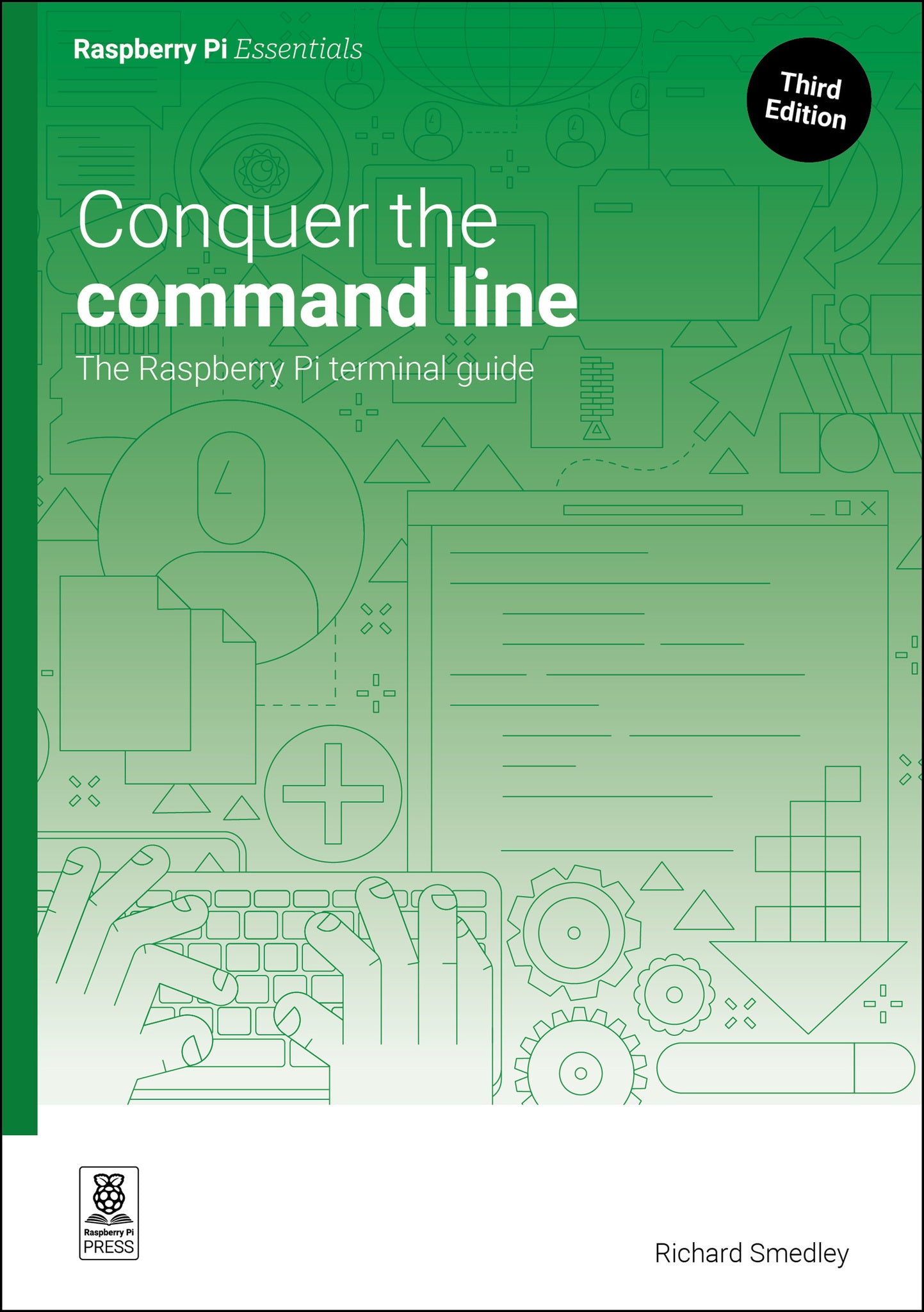
Updated for the latest Raspberry Pi software, this essential guide shows you how to master the command line for new ways to work with files, processes, and devices.
For getting instructions from user to computer — in a clear, quick, and unambiguous form — nothing beats the command line. It never disappeared on UNIX and Linux systems, and thanks to Raspberry Pi OS, a new generation is discovering how it simplifies complex tasks and lets you carry out simple ones instantly.
Conquer the Command Line builds essential skills to have you feeling at home with the terminal on Raspberry Pi (or any Mac and Linux computer), including:
- Read and write text files
- Find and install software
- Manage removable storage
- Use Secure Shell (SSH) for remote access
- Write disk images to SD cards
- Browse the web from the command line
The Raspberry Pi Essentials series offers concise, hands-on learning to the most popular activities for Raspberry Pi's computers and add-on boards. Also available in the series:
- Simple electronics with GPIO Zero
- Make games with Python
- AI projects with Raspberry Pi
- Experiment with the Sense HAT

- Don't panic
- Read and write text
- Permission to install
- Manipulating text
- Customise the command line
- Connecting disks
- Predictable networking
- Stopping a process
- Remote Raspberry Pi
- Downloading and installing
- Start and stop at your command
- Save it now
- Easy compilation
- Commanding the internet