


Some error occured while loading the Quick View. Please close the Quick View and try reloading the page.
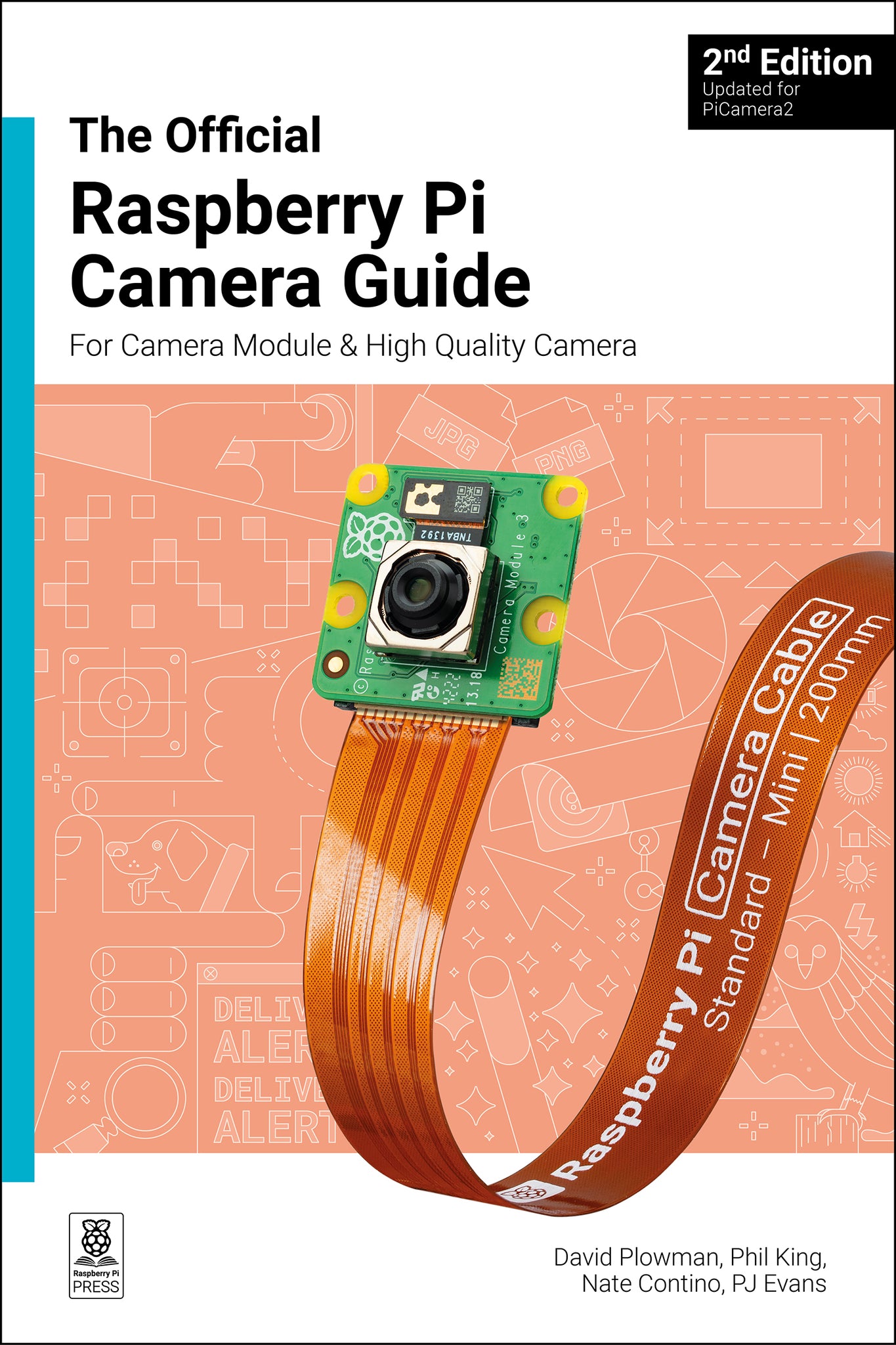
Add the power of HDR photography, Full HD video, and AI image recognition to your Raspberry Pi projects with Camera Modules.
Give intelligence and depth to your creations, making your projects smarter and more responsive. Plus, the new AI Kit supercharges your Raspberry Pi Camera Module with image recognition, enabling it to act and react to the world around it.
This book is your step-by-step guide to adding a camera module to your Raspberry Pi board. You'll master still images, capture video clips as digital files, and control the camera with shell commands and Python code.
Discover the numerous modes and effects available, and use the camera in a variety of exciting projects across 18 packed chapters:
- Getting started.
- Capturing photos and videos.
- Control the camera with precision.
- Add artificial intelligence with the AI Kit.
- Time-lapse photography.
- Selfies and stop-motion video.
- Build a bird box camera.
- Live-stream video and stills.
- ...and much more!

- Chapter 1: Getting started
- Chapter 2: Still image capture
- Chapter 3: Video capture
- Chapter 4: The preview window
- Chapter 5: Controlling the Camera
- Chapter 6: Understanding Camera Modes
- Chapter 7: Introduction to Picamera2
- Chapter 8: Time-lapse photography
- Chapter 9: High-speed photograph
- Chapter 10: Control the camera from Python
- Chapter 11: Stop Motion and Selfies
- Chapter 12: Flash photography using an LED
- Chapter 13: Make a Spy Camera
- Chapter 14: Smart Door
- Chapter 15: Car Spy Pi
- Chapter 16: Wildlife camera trap
- Chapter 17: Take your camera underwater
- Chapter 18: Install bird box camera
- Chapter 19: Live-stream video and stills
- Chapter 20: Set up a security camera
- Chapter 21: Quick Reference